
Backup built around your business.
There’s no one-size backup. We match the protection to what your business can’t afford to lose, how fast you need it back, and your budget.
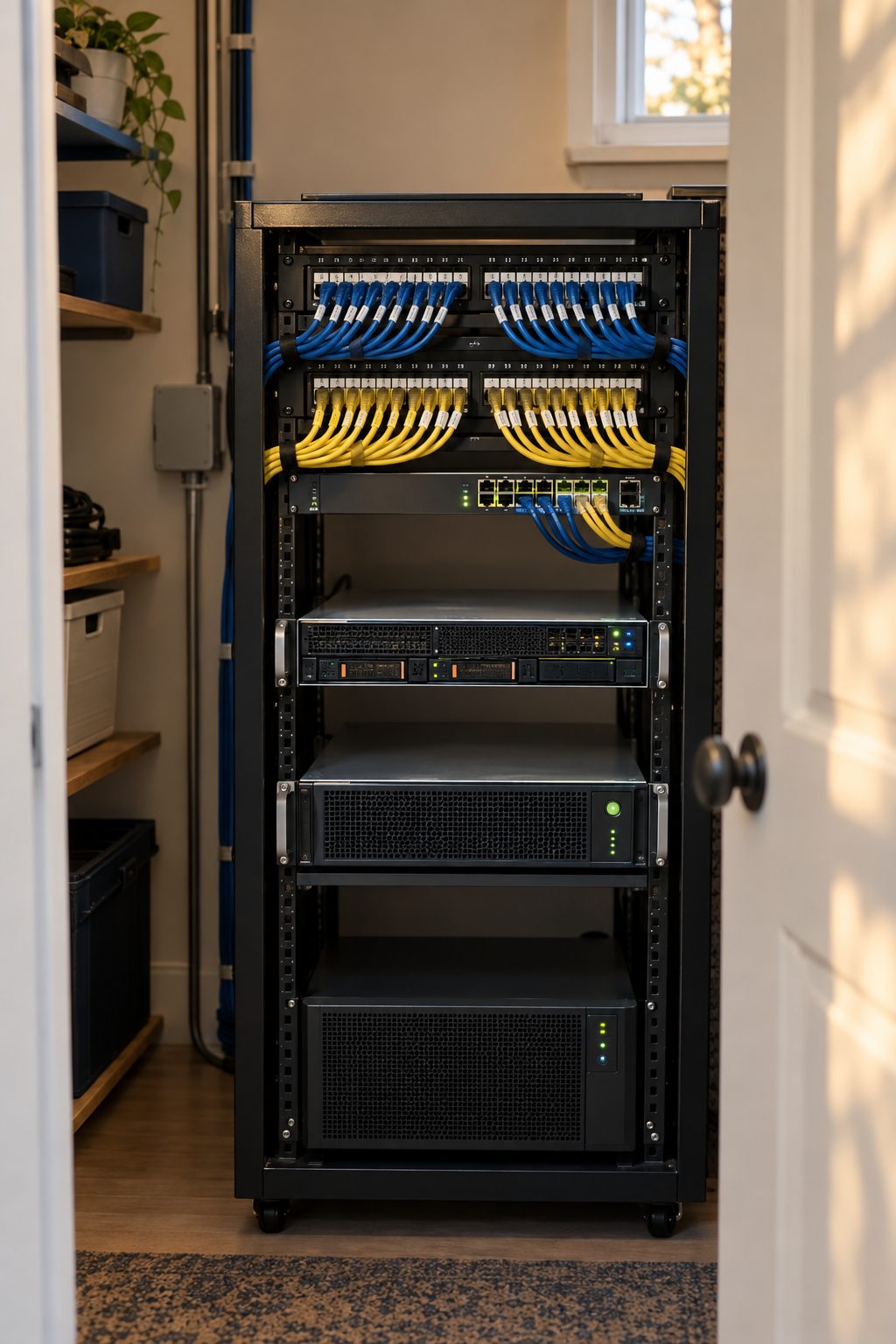
Three ways to protect your data
Every plan is built around your needs and budget. Mix and match as needed.
Cloud Backup
- Automatic backups to secure off-site storage
- Restore files, folders, or full systems
- No backup appliance to buy or maintain
- Good fit for smaller offices and lighter recovery needs
Business Continuity
- Frequent backups kept on site and off site
- Fast local restores from the on-site appliance
- Can run a failed server from the backup while it’s repaired
- Good fit for offices that can’t afford long downtime
Workstation Backup
- Protects files saved on individual computers
- Helpful for laptops that travel
- Restore a lost or replaced computer’s data
- Can be added to either option above
Compare backup options
| Feature | Cloud Backup | Business Continuity | Workstation Backup |
|---|---|---|---|
| What it protects | Servers and cloud data | Servers, with a local and cloud copy | Individual laptops and desktops |
| Where copies are kept | Secure off-site storage | On-site appliance plus off-site cloud | Secure off-site storage |
| Restore speed | Good for files and planned restores | Fastest, from the on-site appliance | Good for files and single computers |
| Keep working during an outage | Not designed for it | Can run a failed server from the backup | Not designed for it |
| Hardware on site | None | Backup appliance | None |
| Best for | Smaller offices and lighter recovery needs | Offices that can’t afford long downtime | Teams whose work lives on their computers |
How we help
Backup is only useful if it restores.
Backup review
We look at what you have today, what’s missing, and what it would take to recover.
Restore testing
Test restores available, documented so you can see the results.
Recovery planning
A written plan for who does what when a system goes down.
How we work
Talk
A short call or visit to understand your office and what’s not working.
Assess
We review your setup and put recommendations and pricing in writing.
Do the work
Changes are scheduled and documented, with a backup taken first where it applies.
Support
We stay available for questions, fixes, and the next project.
Common questions
Is backup included in managed IT?
Every managed plan is built around your needs and budget, so backup is chosen with you rather than bundled in. We’ll recommend the option that fits.
How often should a small business test backups?
At least quarterly, and after any major change. A backup that has never been restored is an assumption, not a plan.
What does recovery time depend on?
The amount of data, the type of backup, and internet speed. We’ll walk you through realistic recovery times for each option.
Related services
All services →Cybersecurity
Practical security for small businesses: the controls that help protect against common attacks, set up and reviewed with you.
Learn more →Microsoft 365 Migration
Email, files, and Teams moved from your old system to Microsoft 365, planned around your schedule and explained to your staff.
Learn more →Network & Wi-Fi
Business-grade networks designed for your building: firewalls, switches, and access points placed where coverage is needed.
Learn more →Talk to us about Backup and Disaster Recovery.
A short, no-pressure conversation about what’s working and what isn’t.